
Multi-platform Support
Generate OG images for Twitter, LinkedIn, Instagram, and more
OGX supports generating images with specific dimensions and aspect ratios for different social platforms. This is particularly useful when you want to provide a specialized experience for each platform (e.g., a Large Card for Twitter vs. a standard OG image for LinkedIn).
How it Works
The @ogxjs/core engine contains a list of predefined platform dimensions. When you specify a platform, OGX automatically adjusts the rendering dimensions to match the target's requirements.
Supported Platforms
| Platform | Dimensions | Description |
|---|---|---|
meta | 1200 x 630 | Standard Open Graph (Facebook, LinkedIn, Slack) |
twitter | 1200 x 600 | Twitter/X Large Image Card |
instagram | 1080 x 1080 | Square post format |
youtube | 1280 x 720 | High-quality thumbnail |
pinterest | 1000 x 1500 | Tall 2:3 aspect ratio |
Visual Examples
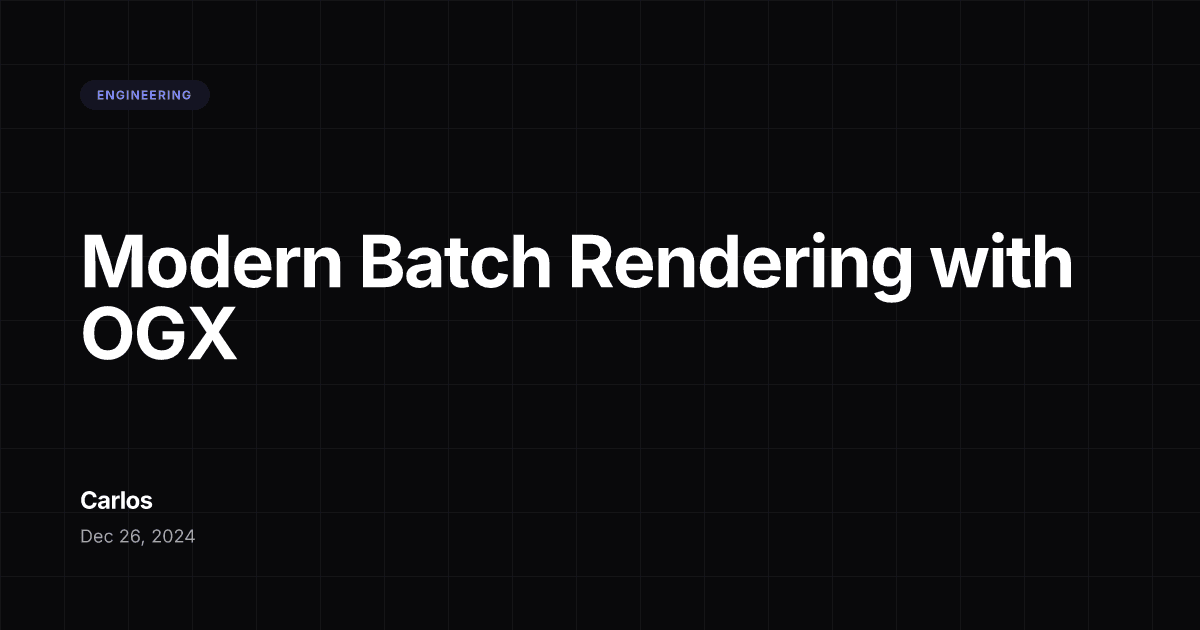
Meta (Standard)


Using with Next.js
The @ogxjs/next adapter can automatically detect the target platform from the request URL.
1. The Route Handler
Simply pass the request object to ogxResponse. It will look for ?platform=, ?target=, or ?p= in the query string.
import { ogxResponse } from '@ogxjs/next';

export async function GET(request: Request) {
  return ogxResponse({
    preset: 'docs',
    title: 'Multi-platform support',
    inter: [400, 700]
  }, request); // <--- Pass the request here
}
2. Page Metadata
In your page, you can define multiple images in the openGraph and twitter metadata sections.
import type { Metadata } from 'next';

export async function generateMetadata({
  params
}: {
  params: { slug: string }
}): Promise<Metadata> {
  const post = await getPost(params.slug);
  const baseUrl = process.env.NEXT_PUBLIC_SITE_URL || 'https://yoursite.com';
  const ogUrl = `${baseUrl}/api/og`;

  return {
    title: post.title,
    description: post.description,
    openGraph: {
      title: post.title,
      description: post.description,
      type: 'article',
      images: [
        {
          url: `${ogUrl}?platform=meta&title=${encodeURIComponent(post.title)}`,
          width: 1200,
          height: 630,
          alt: post.title,
        },
      ],
    },
    twitter: {
      card: 'summary_large_image',
      title: post.title,
      description: post.description,
      images: [
        {
          url: `${ogUrl}?platform=twitter&title=${encodeURIComponent(post.title)}`,
          width: 1200,
          height: 600,
          alt: post.title,
        },
      ],
    },
  };
}

export default function BlogPost({ params }: { params: { slug: string } }) {
  // Your page component
}
[!NOTE] When a platform (like Facebook or LinkedIn) scrapes your page, it reads the HTML meta tags and downloads the image from the URL you specified. The
?platform=parameter tells your OG route which dimensions to use.
Batch Rendering
If you are generating images at build time, you can pass an array of platforms to generate all variations at once.
import { ogx } from '@ogxjs/core';

const images = await ogx({
  preset: 'blog',
  title: 'My Post',
  platform: ['meta', 'twitter', 'instagram']
});

// Returns a Record<Platform, Uint8Array>
// images.meta -> Standard OG
// images.twitter -> Twitter Card
// images.instagram -> Square post
Why use specialized dimensions?
While a standard 1200x630 image works "ok" on most platforms, social networks often crop or resize images:
- Twitter: Uses a slightly shorter 2:1 ratio (1200x600).
- LinkedIn: Prefers 1200x627, but works well with 1.91:1.
- WhatsApp: Often crops images to a square in the chat preview.
By providing specific targets, you ensure your design and text are never cut off in a weird way.